


LiveBoardroom · 12 in the room, 8 remote
Video conferencing and meeting-room systems in Riyadh and across Saudi Arabia
Everyone is in the room.
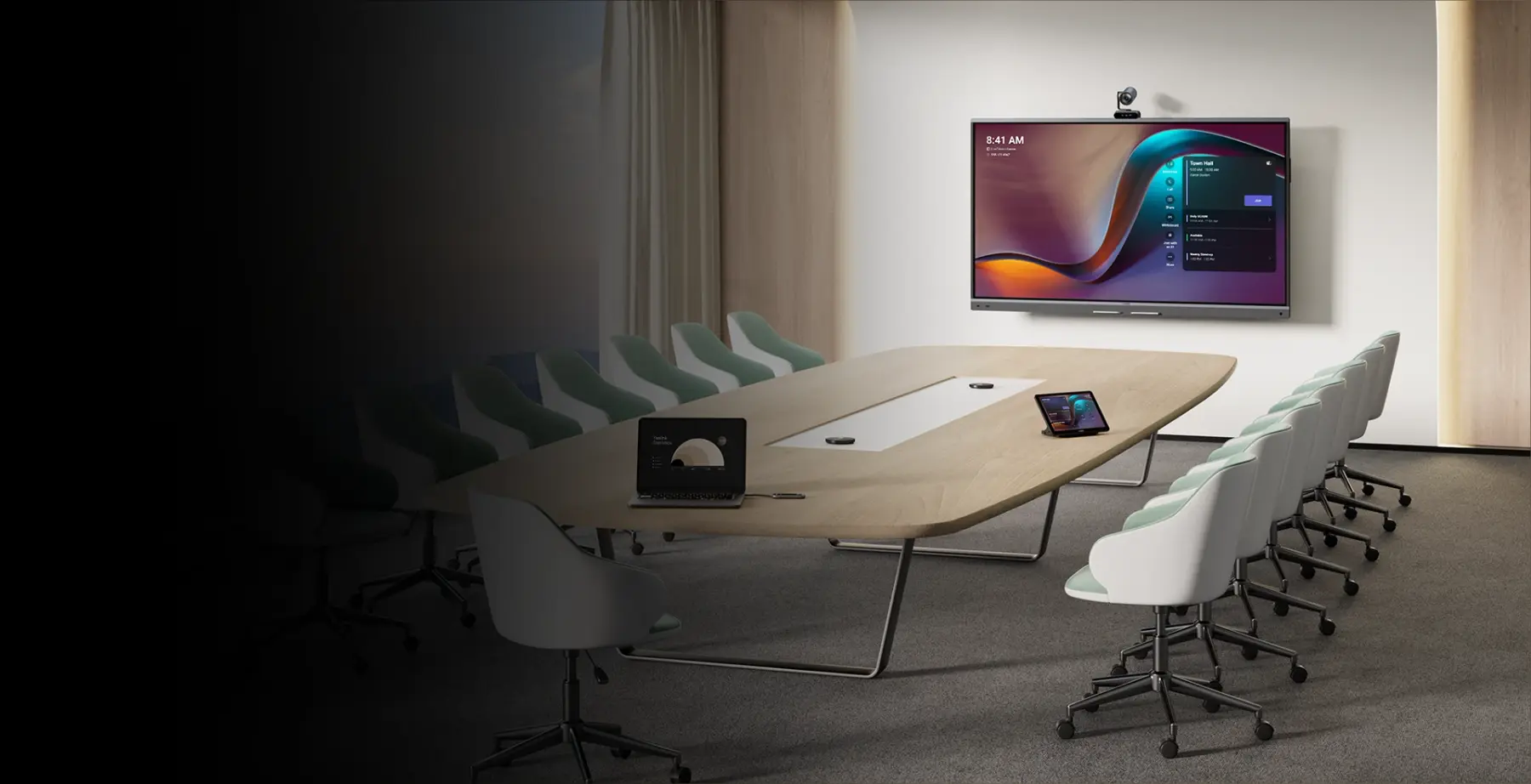
The people at the table and the people far away see and hear each other equally. We design and install Yealink video conferencing for Microsoft Teams and Zoom, from a two-person focus room to the boardroom.
Featuring· Film by Yealink.
- 139
- Yealink devices on this page
- Teams · Zoom
- certified room systems
- 1 – 12+
- people per room, covered
Start with the room
Tell us the size. We will bring the kit.
Yealink builds a system for each kind of space. Pick a room to see what usually goes in it.
- Camera view
- Voice pickup
- Seats
6 – 12
people
A proper meeting table. A more powerful bar, or a Windows room system with a separate camera and compute.
Typical fit
Highlights
Four products worth knowing.
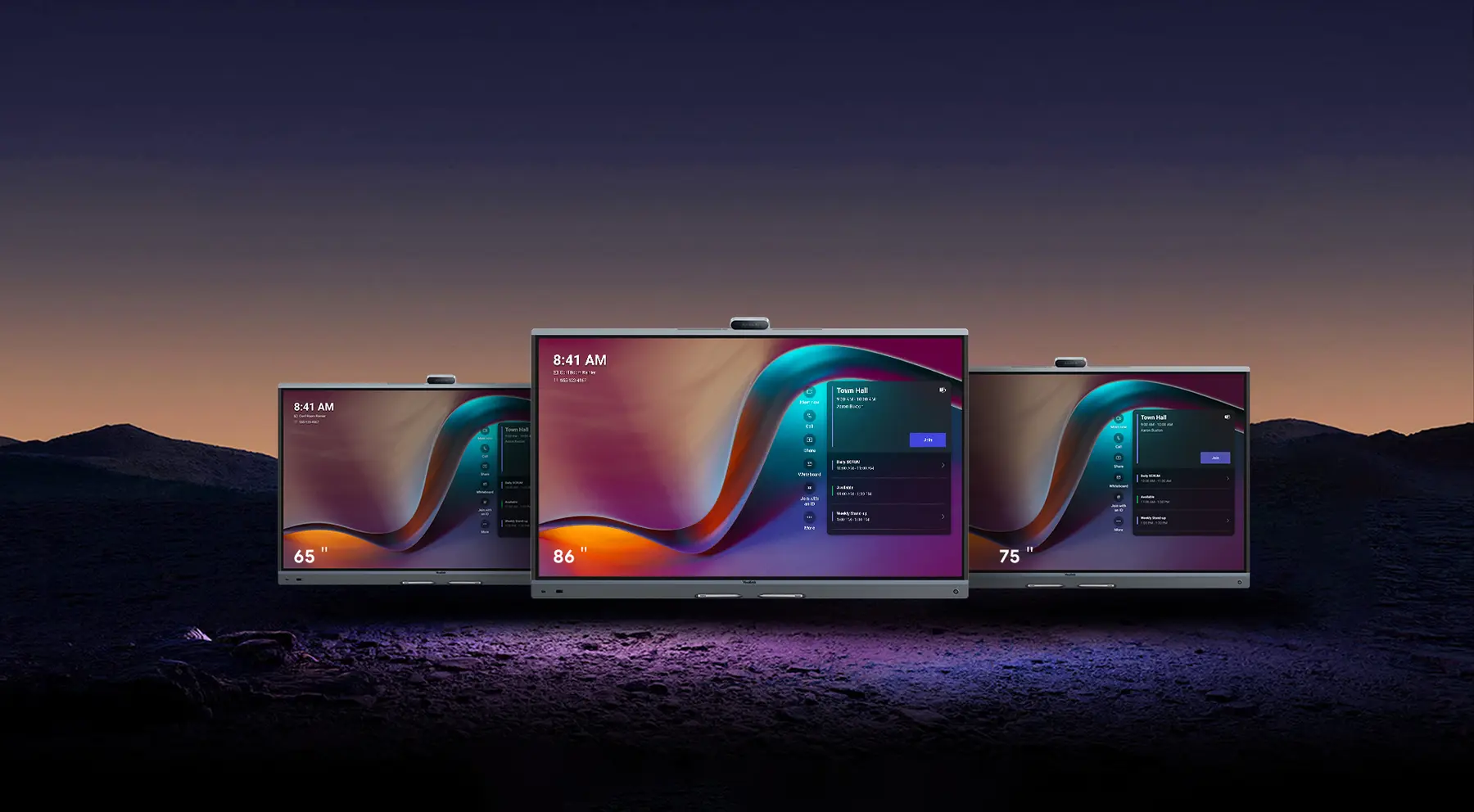
All-in-one board
MeetingBoard Pro
Video conferencing, display and interactive whiteboard in one device, on the wall or on a mobile stand.
- 3 × 50 MP
- camera system
- 12 m
- voice pickup
- 36 W
- stereo speakers
Figures as published by Yealink.
On-device AI
The camera knows who is speaking.
Nobody in the room touches a remote. The system frames people by itself, so remote colleagues follow the conversation instead of staring at a wide shot.
Speaking now
Features as described by Yealink; availability varies by model.
The full range
Every Yealink device for Teams and Zoom.
Filter by type or search by name. Each product opens on Yealink’s website for full specifications.
14 products
- New
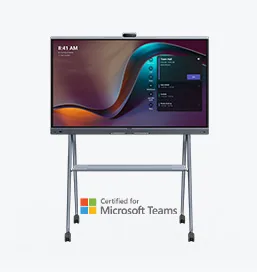 MeetingBoard Pro Microsoft Teams RoomsAll-In-One Video Conferencing Device with Interactive Whiteboard
- New
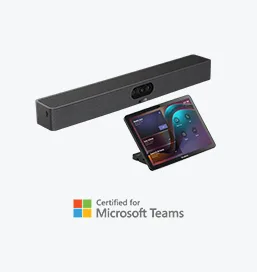 MeetingBar A25 Microsoft Teams Rooms on AndroidAll-in-one Video Bar for Focus Rooms
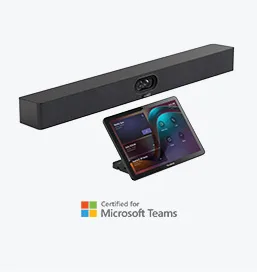 MeetingBar A40 Microsoft Teams Rooms on AndroidAll-in-one video bar for small rooms
- New
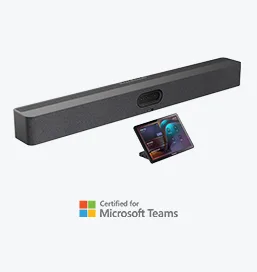 MeetingBar A50 Microsoft Teams Rooms on AndroidAll-in-one Video Bar for Medium Rooms
- New
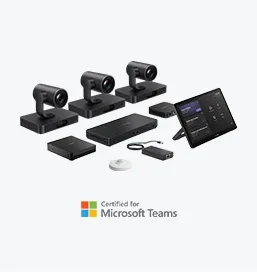 MVC S98 Microsoft Teams Rooms on WindowsVideo Conferencing System For ProAV Rooms
- New
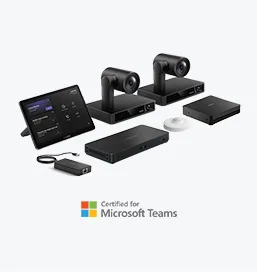 MVC S90 Microsoft Teams Rooms on WindowsVideo Conferencing System For Boardrooms
- New
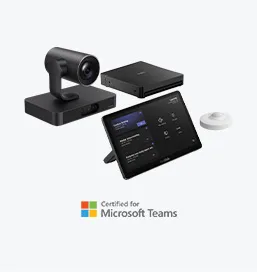 MVC S80 Microsoft Teams Rooms on WindowsVideo Conferencing System For Large Rooms
- New
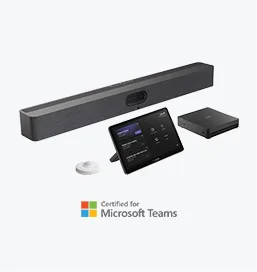 MVC S50 Microsoft Teams Rooms on WindowsVideo Conferencing System For Medium to Large Rooms
- New
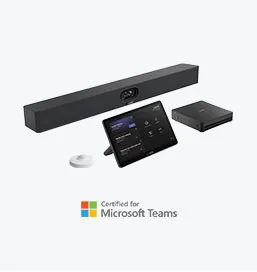 MVC S40 Microsoft Teams Rooms on WindowsVideo Conferencing System For Small-to-medium Rooms
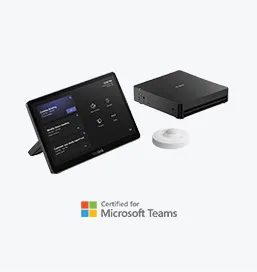 MCore KitConferencing AI PC with Touch Controller
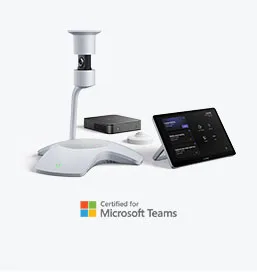 MVC S60 Microsoft Teams Rooms on WindowsVideo Conferencing System For Small-to-medium Rooms
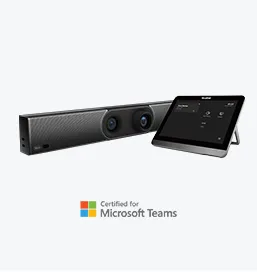 MeetingBar A30 Microsoft Teams Rooms on AndroidAll-in-One Video Conference Bar For Medium Rooms
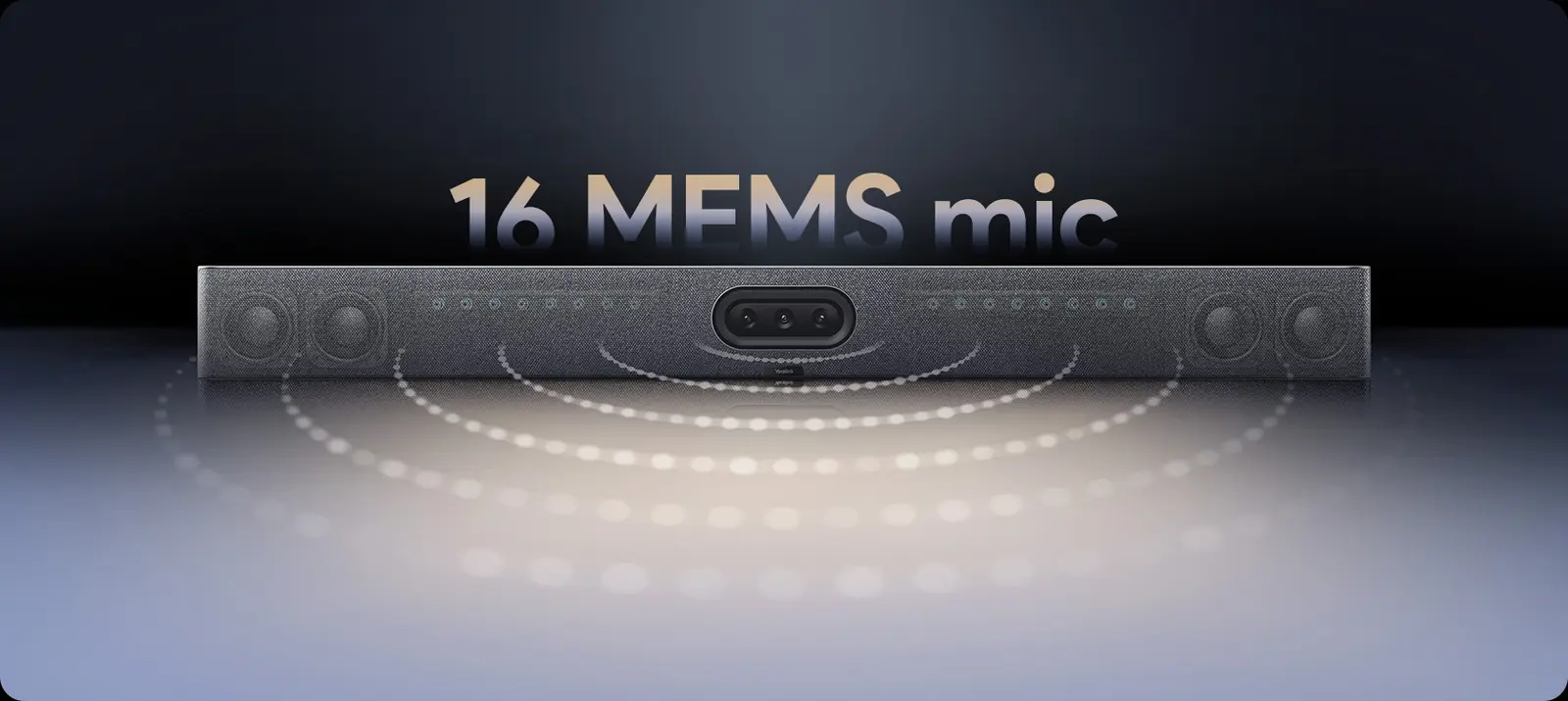
Room audio
If they cannot hear you, nothing else matters.
In larger rooms the microphones and speakers move to the ceiling, and a processor mixes them. Three pieces do the work.
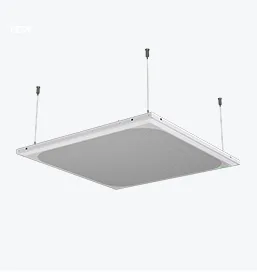 01
Ceiling microphone
CM50: a Dante beamforming array that follows whoever is speaking.
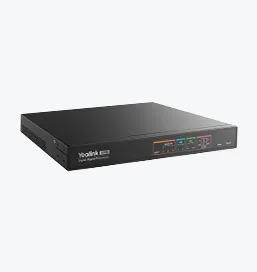 02
Signal processor
AP08: the DSP that mixes microphones and keeps speech clear.
 03
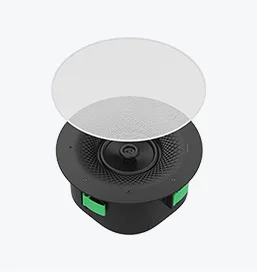
Ceiling loudspeaker
CS10 / CS10-D: network loudspeakers, with Dante on the CS10-D.
With Prestige
From an empty room to the first call.
The device is one line on the drawing. We do the rest of the drawing too.
- 01
Room design
Camera position, microphone coverage, display size and seating, worked out before anything is ordered.
- 02
Installation
Mounting, cabling, power and network by our low-current installation teams.
- 03
Set-up & accounts
Devices enrolled, calendars connected and rooms tested on your Teams or Zoom tenant.
- 04
Support
Maintenance and help from offices across the Kingdom.
Also for command centres, training rooms and public spaces. Tell us what the room is for.
Which room should we start with?
Send us the room sizes and whether you use Teams or Zoom. We will propose the kit for each and quote.
Plan a roomYealink and product names are trademarks of Yealink Network Technology Co., Ltd. Microsoft Teams and Zoom are trademarks of their owners. Product images, descriptions, figures and film are from yealink.com and may change; confirm current specifications before ordering.